
Financials & transactions
Use this to check your agency's financial activity: the real-time transaction log and your monthly account statements.
View transactions
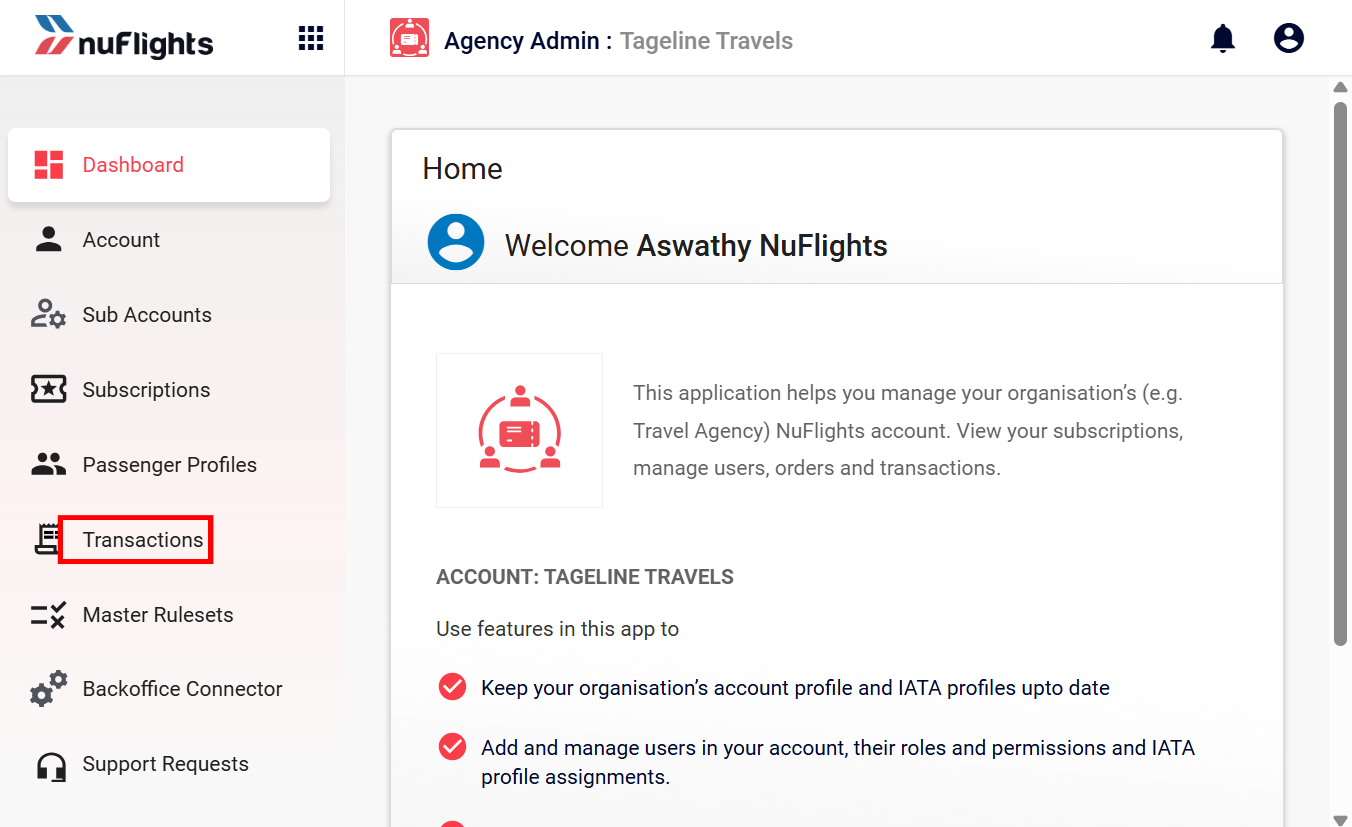
Go to Agency Admin > Financials > Transactions. This page logs all ticketing activity, including issued tickets, EMDs and refunds.
Filter and search
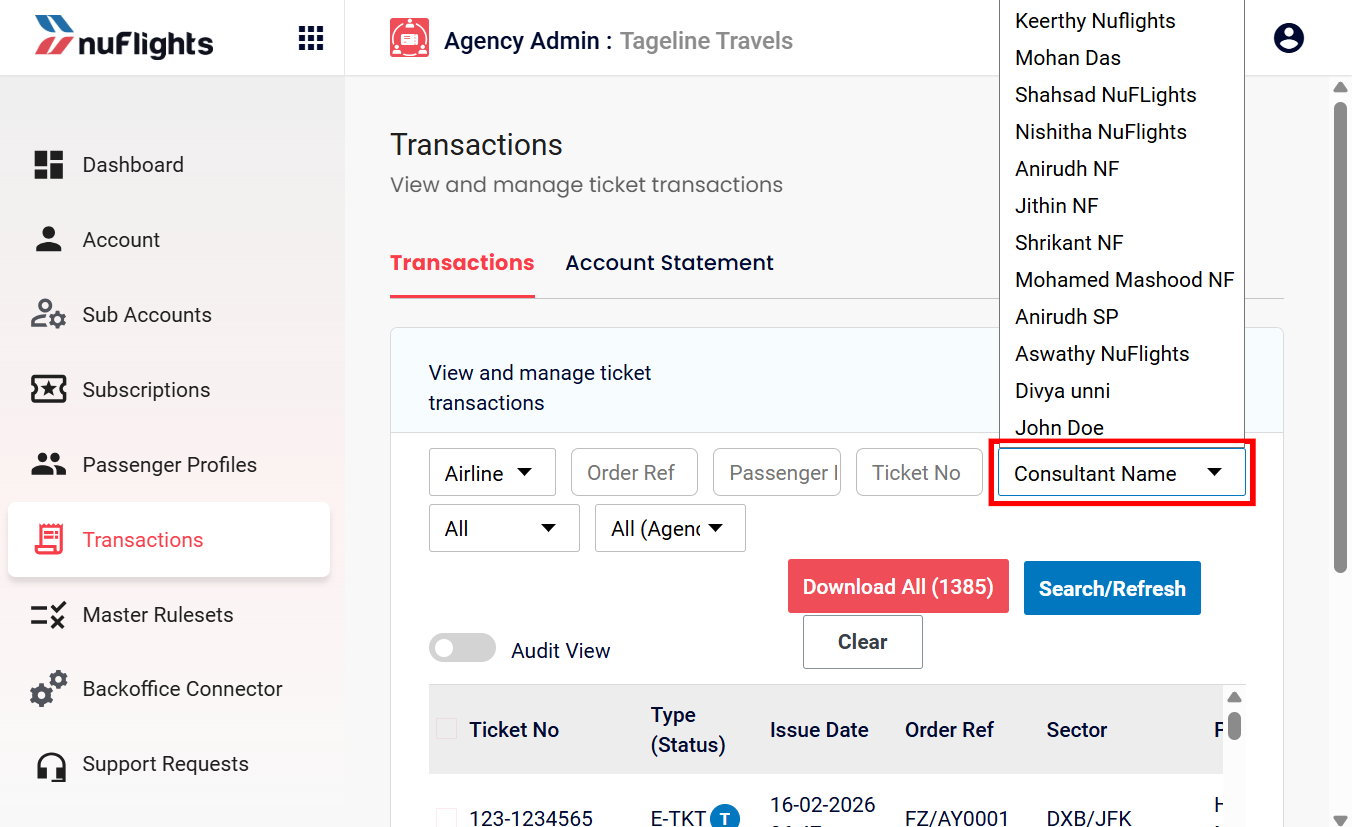
You can filter the list to find specific records.
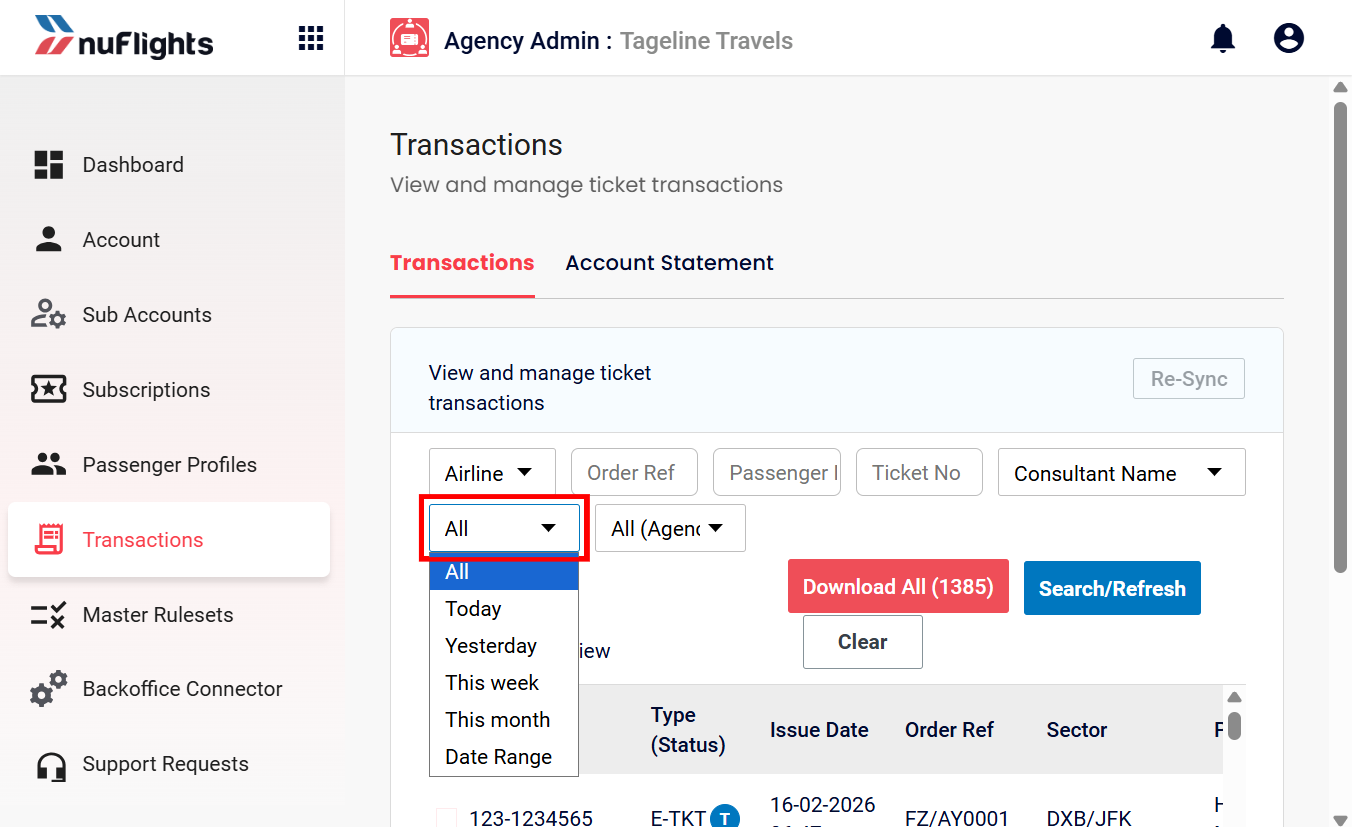
Date Range: see activity for Today, Yesterday, This Week or a Custom Date Range.
Airline: filter by carrier (for example, EY).
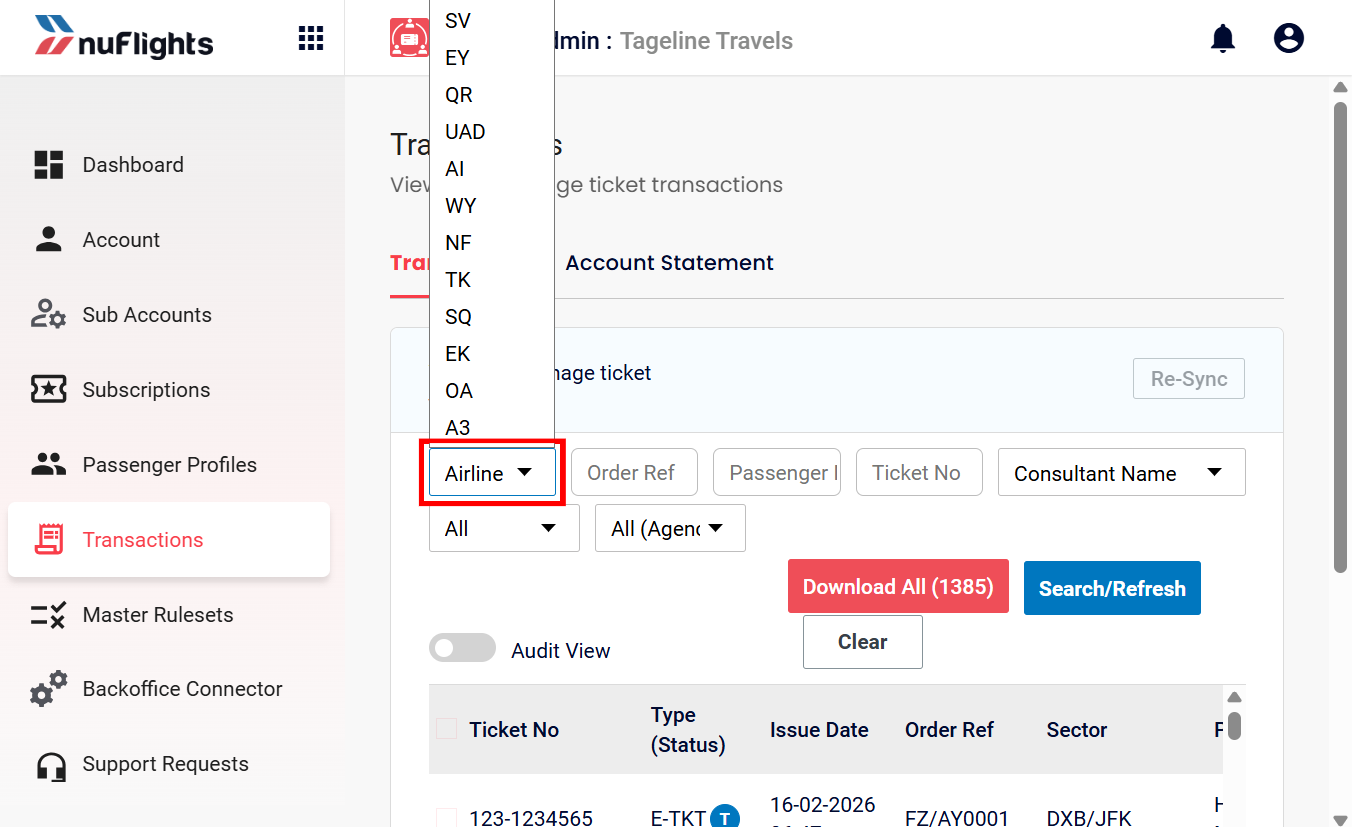
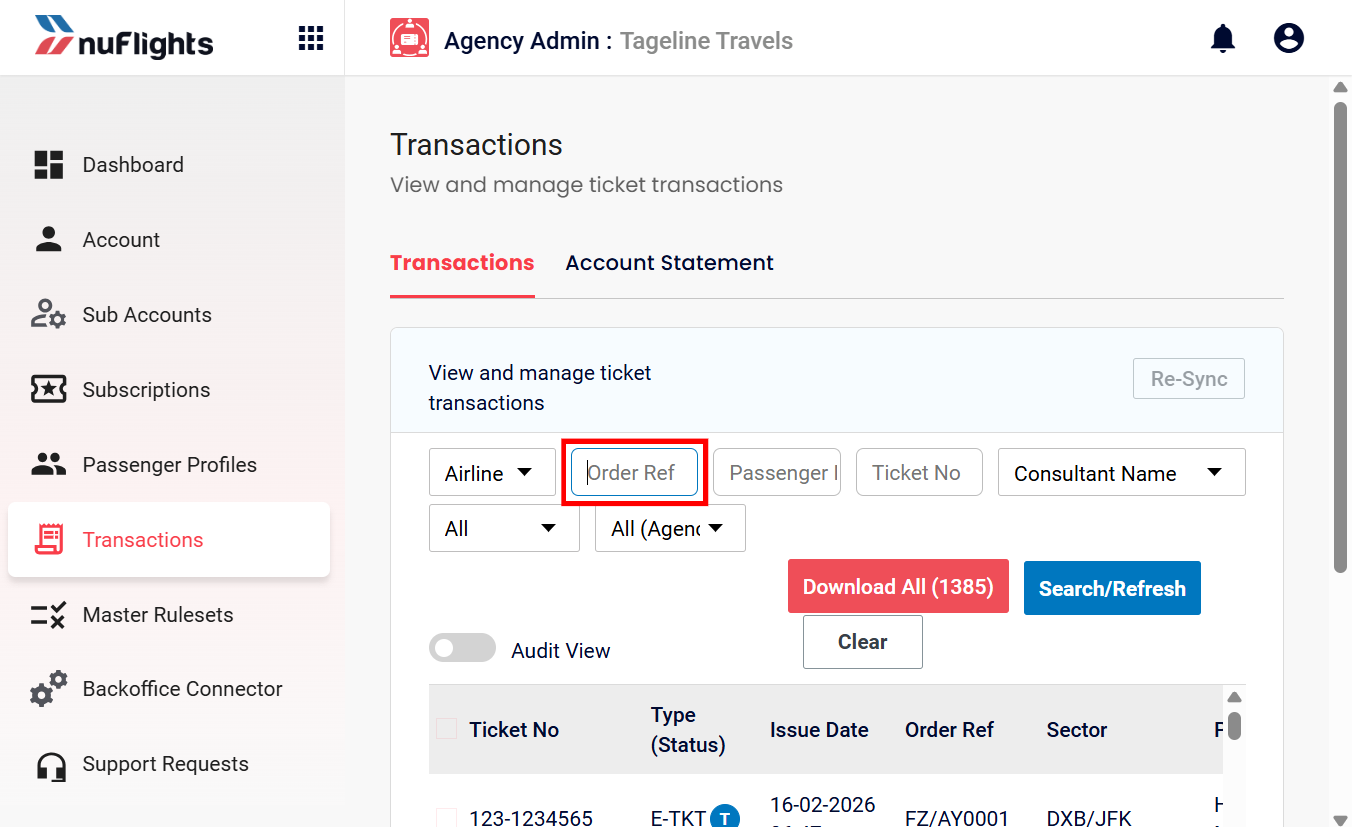
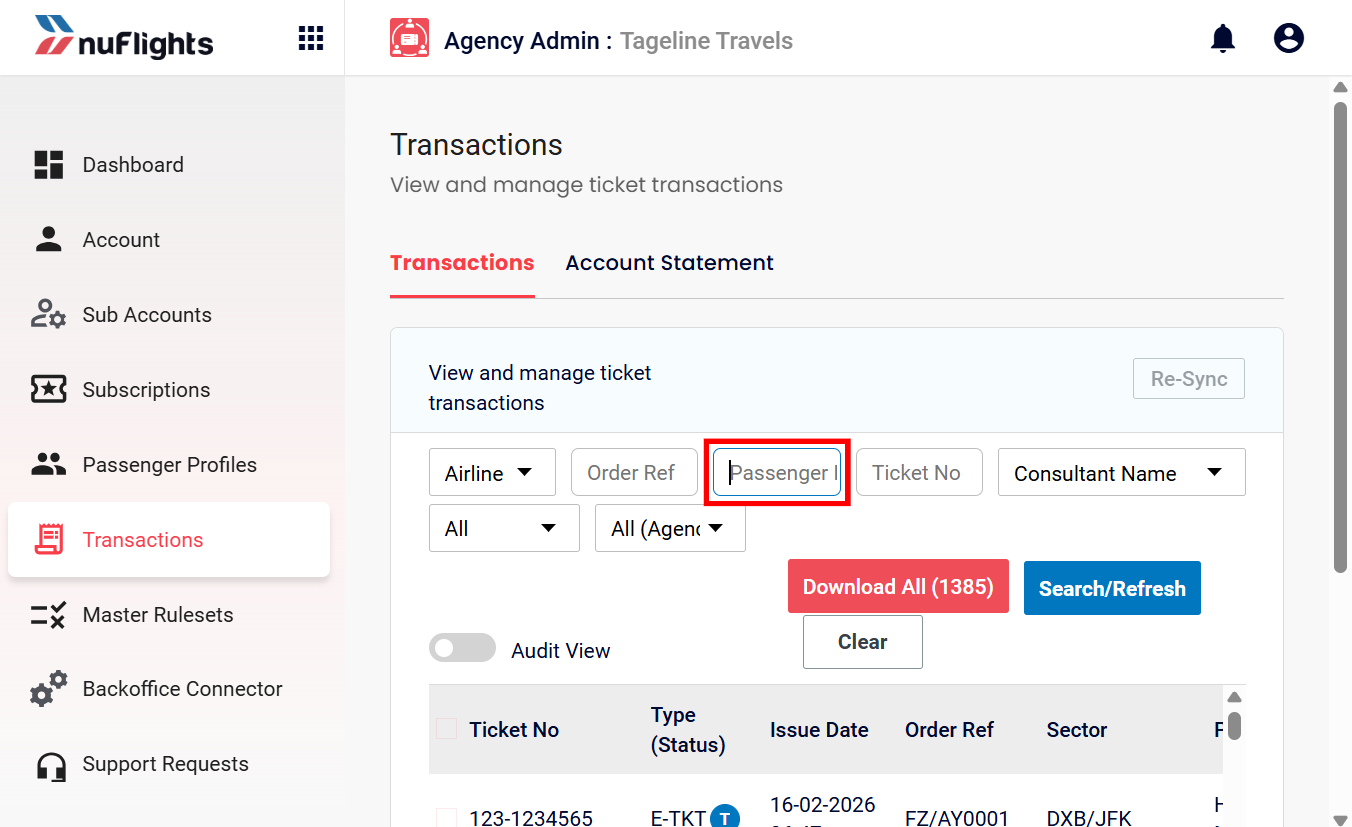
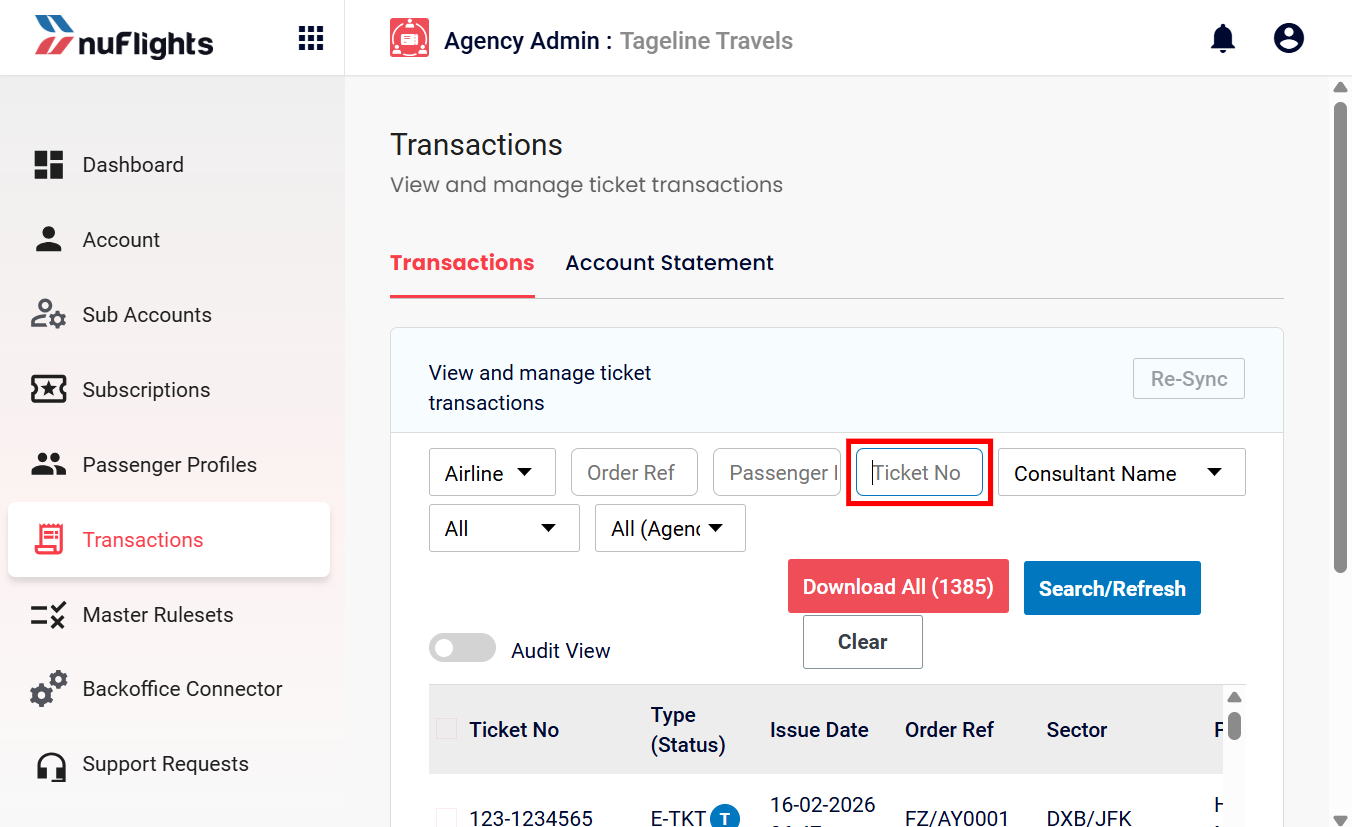
Search criteria: look up transactions by Order Reference (PNR), Ticket Number, Passenger Name or Consultant Name.
Transaction details
Each row shows key information such as the Ticket/EMD Number, Issue Date, Order Reference, Passenger, Ticketing Staff and Value.
Account statements
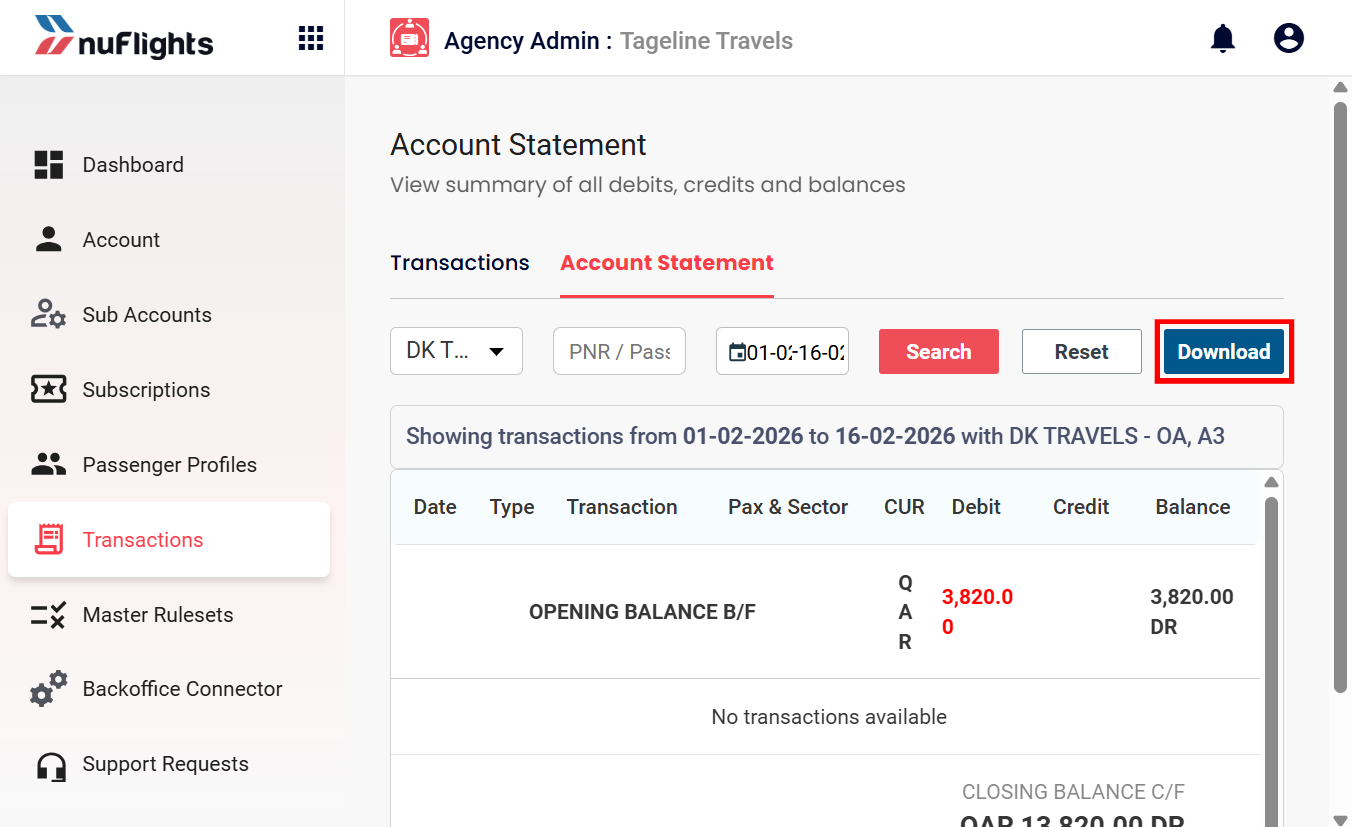
If your agency is a sub-agency under a main distributor, you can see your financial statements here.
- Open the Account Statement tab.
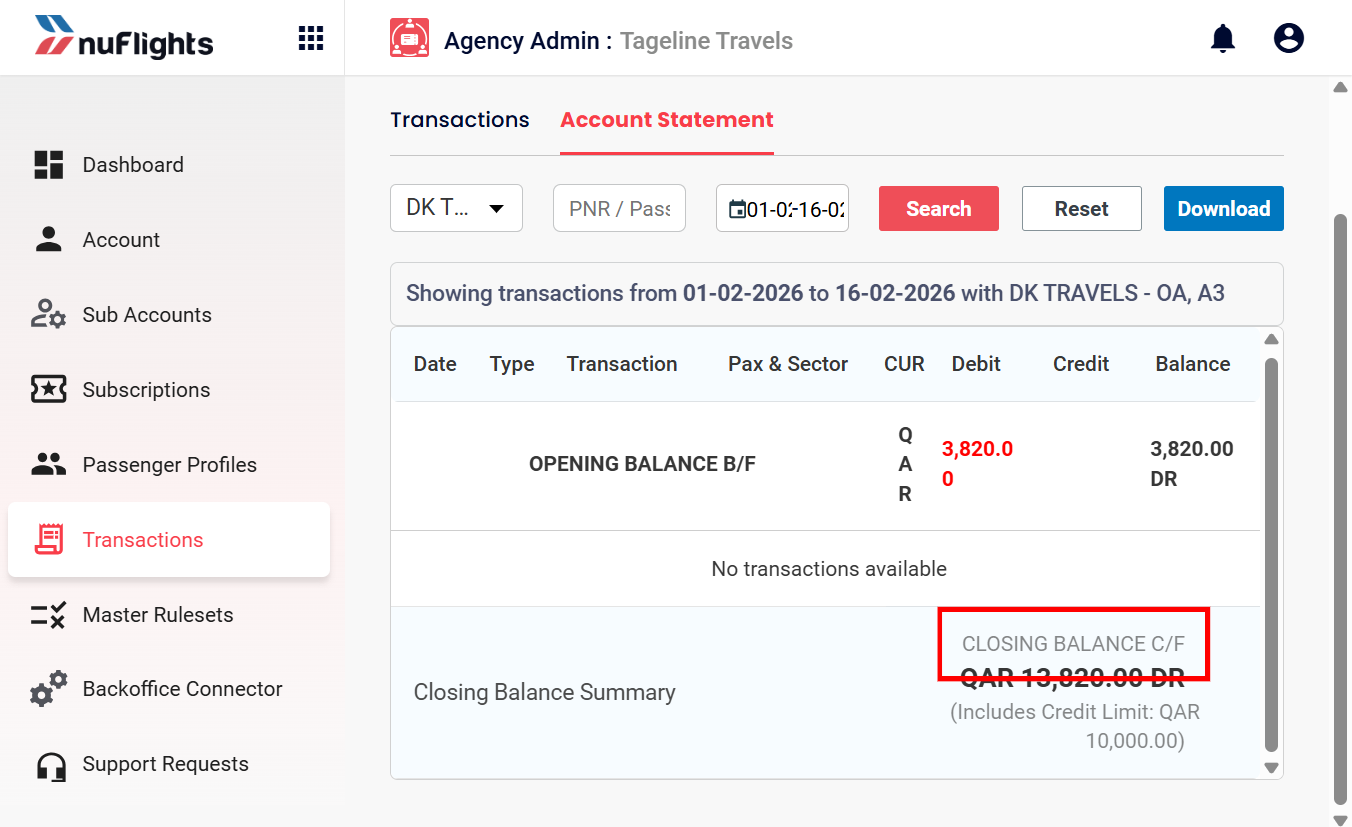
- Check your Opening Balance and Closing Balance for the period.
- To find specific charges, use Search to filter by PNR or Ticket Number.
- To export the statement for reconciliation, click Download on the Account Statement.